
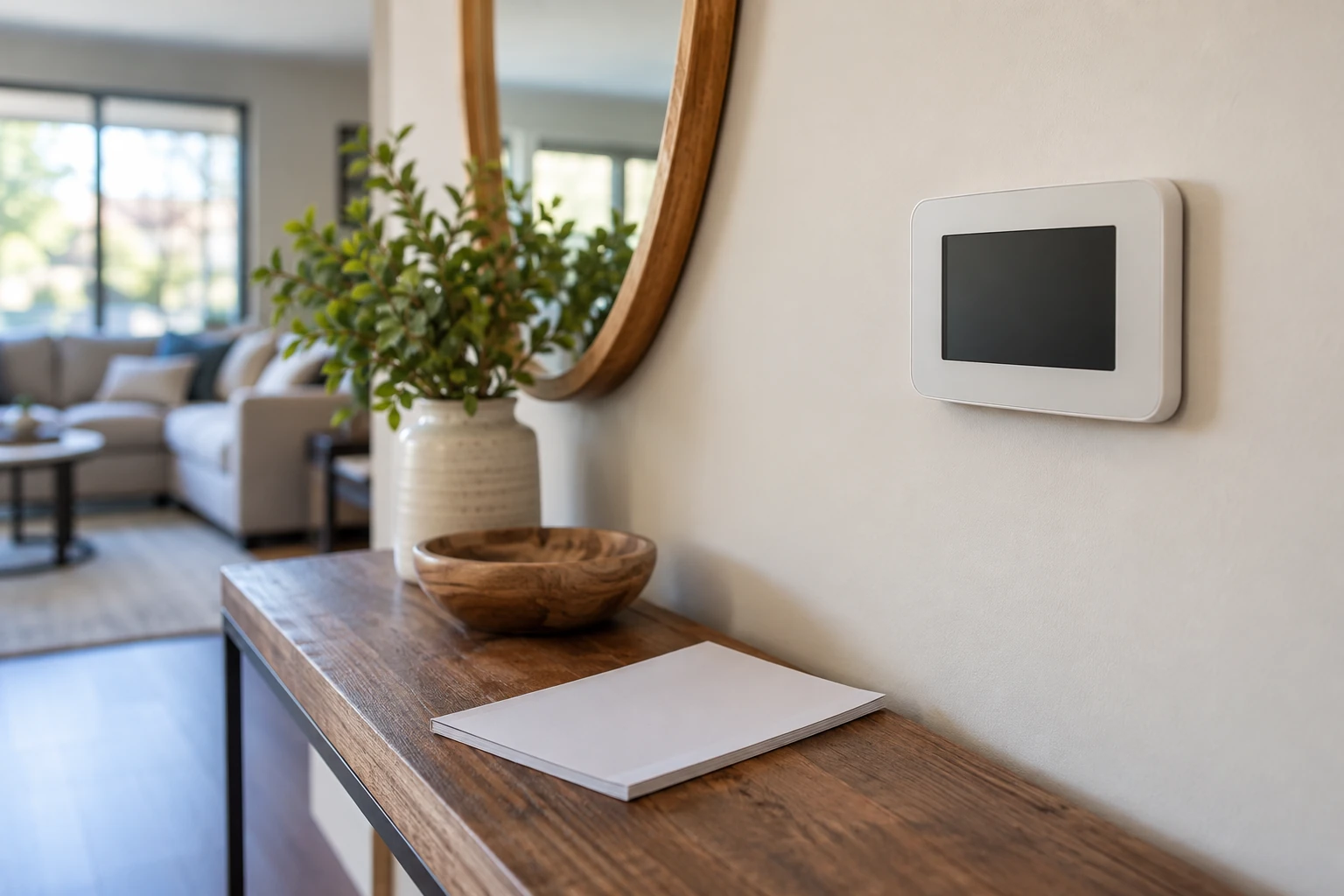
A blank thermostat screen does not automatically mean the thermostat must be replaced. Some controls depend on batteries, some on power supplied by the HVAC system, and some combine power sources. The safe starting point is the exact model's owner instructions and a short record of what happened.
Stay with ordinary user controls and any explicitly owner-accessible battery compartment. Do not remove a thermostat to inspect wiring, test voltage, open the air handler, reset breakers, or bypass a safety device. If safe owner checks do not resolve the display, contact a qualified provider.
Describe the screen before changing anything
Is the display completely blank, only dark until touched, frozen on old information, or showing an error? Is the local screen affected while an app still shows information? Record the difference rather than assuming the app proves the HVAC system is working.
Use the normal wake action described in the manual if there is one. Do not repeatedly press unknown button combinations or attempt a factory reset. A reset can remove useful information or change settings without identifying the reason the screen went blank.
Note whether heating or cooling still seems to operate and whether the home is remaining comfortable. That observation does not establish the condition of the control circuit. Do not keep waiting if indoor conditions are becoming unsafe for anyone in the home.
Identify the model and its intended power source
Look for the model in the manual, purchase record, installation invoice, or a safely visible exterior marking. Do not pull the device from the wall to find it. If you cannot identify it safely, describe its appearance and ask the installer or manufacturer for help.
Honeywell Home's support resources provide model information and warn that incorrect wiring or configuration can create serious hazards. Select the instructions for the actual control, not a similar-looking product shown in a video.
A Honeywell Home power-support example concerns a control requiring wired power. It demonstrates why a battery-only assumption does not fit every model. The electrical checks on that page are outside this homeowner guide and should be left to a qualified professional.
Use battery instructions only when they apply
If the exact owner manual identifies a battery-powered model and an owner-accessible compartment you can use safely, follow those instructions for the specified battery type and orientation. Do not force a cover or improvise a removal method. Stop if reaching the compartment requires uncertain disassembly or exposes wiring.
The FocusPRO P200 battery instructions are one manufacturer-specific example. They are not instructions for every thermostat and do not establish the battery size, access method, or replacement schedule for your control.
Do not fit batteries into a device that does not call for them, touch corroded contacts, or keep repeating replacements when the correct procedure fails. Battery leakage, visible damage, heat, or an unusual odor calls for stopping and seeking appropriate help.
Make one useful record
| Detail | What to note | Why it matters |
|---|---|---|
| Model | Confirmed model from existing records | Helps locate the correct owner instructions |
| Display behavior | Blank, dark, frozen, or error message | Separates different symptoms |
| Timing | First noticed after an outage, visit, or ordinary use | Gives context without proving a cause |
| Owner action | Normal wake attempt or applicable battery procedure | Avoids repeating unsuccessful steps |
| System behavior | Whether the home is heating or cooling normally | Helps the provider assess urgency |
| Other observations | Safely visible water or an unusual sound | May require a separate safety response |
- Detail
- Model
- What to note
- Confirmed model from existing records
- Why it matters
- Helps locate the correct owner instructions
- Detail
- Display behavior
- What to note
- Blank, dark, frozen, or error message
- Why it matters
- Separates different symptoms
- Detail
- Timing
- What to note
- First noticed after an outage, visit, or ordinary use
- Why it matters
- Gives context without proving a cause
- Detail
- Owner action
- What to note
- Normal wake attempt or applicable battery procedure
- Why it matters
- Avoids repeating unsuccessful steps
- Detail
- System behavior
- What to note
- Whether the home is heating or cooling normally
- Why it matters
- Helps the provider assess urgency
- Detail
- Other observations
- What to note
- Safely visible water or an unusual sound
- Why it matters
- May require a separate safety response
Do not create a new outage to see whether the thermostat recovers. Do not bridge terminals or substitute another control as a test. A concise, accurate note is more useful than several undocumented experiments.
If the screen returns after a permitted owner action, check the displayed time and ordinary settings against your manual. Do not enter installer configuration. Report a recurring failure even if the screen temporarily works again.
Know when the next step is service
Arrange help if the model requires wired power, the approved owner procedure does not restore the display, the problem recurs, or you cannot identify a safe check. The provider can evaluate the installed system and its controls rather than replacing a thermostat on speculation.
Do not open electrical panels, air-handler doors, fuses, drain switches, or control boards. A blank display is not proof that those components are safe to touch. For identifying the indoor equipment without opening it, see our air handler guide.
If water is visible near equipment, keep away from electrical hazards and report the location. Our condensate drain guide covers safe observations. Do not bypass a protection switch to make the screen light up.
Keep display failure separate from comfort programming
A working thermostat in a poorly chosen location is a different question. Use our thermostat placement guide for that assessment. Moving a blank control does not diagnose its power supply or display.
Likewise, this is not a summer scheduling guide. Once normal operation is restored, follow the system's instructions for household settings. If the real problem is a functioning display with inadequate cooling, our AC not cooling guide addresses that separate symptom.
Before approving a replacement control, ask what finding supports it and whether it is compatible with the installed equipment. A screen that went blank is the observation; a failed thermostat is a conclusion that needs evidence.
Does every thermostat have replaceable batteries?
No. Confirm the exact model's power arrangement and instructions before buying or fitting batteries.
Should I remove the thermostat to check the C-wire?
No. Wiring and voltage checks are outside these safe homeowner observations. Have a qualified professional evaluate them.
Is a working phone app proof that the local control is fine?
No. Record both observations and ask support to interpret them for that system. Do not rely on remote information alone when the home's conditions are unsafe.